
Introduction to Discovery Studio
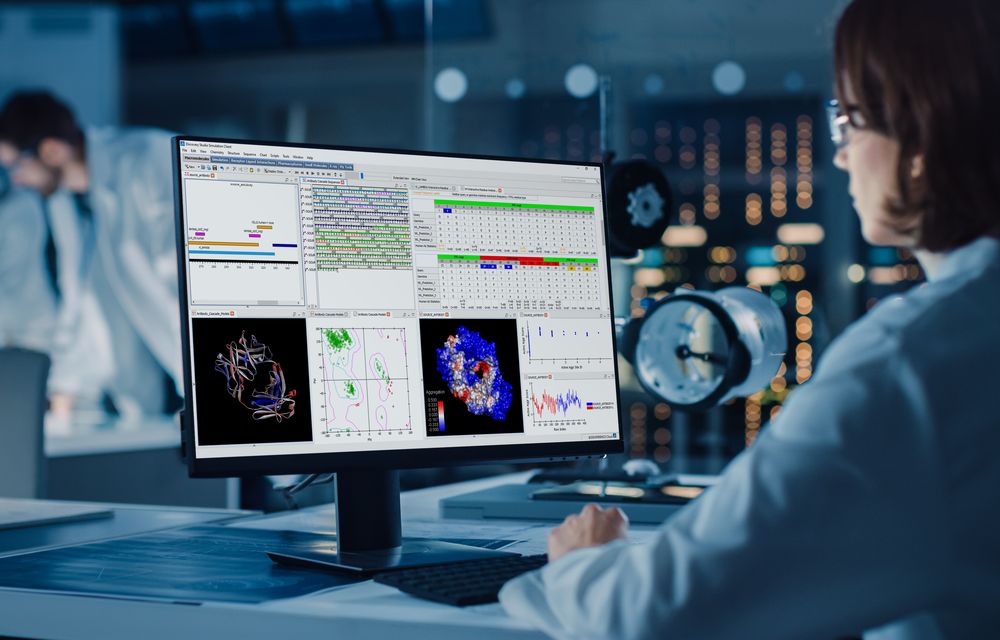
This course serves as a comprehensive introduction to the BIOVIA Discovery Studio software suite. The graphical interface and the various modules and modeling tools available within the software are described. Students become familiar with the software’s configuration, running protocols, toolbars, command menus, and preferences. Different molecular displays and visualization modes including the data view, hierarchy view, sequence view, and data management storage and retrieval are discussed. The creation of story boards (movies), Active X, exporting graphics files, and 3D Web GL objects are demonstrated. Hands on exercises are included.
- Level
- Fundamental
- Length
- 8 hours
- Product
- Discovery Studio
- Format
- Instructor-ledOnsite or Virtual Classroom
Topics covered
- Modeling Applications Available Within Discovery Studio
- Discovery Studio Architecture and Configurations
- User Interface
- Explorers (Tools, Protocol, Files)
- Windows: Molecule, Sequence, Sequence Annotation, and Chart
- Selection and Grouping
- Working with Proteins
- Running Protocols
- Customization: Scripting, Toolbars, Tool Sets, Tools Explorer, Tool Panel
Related courses
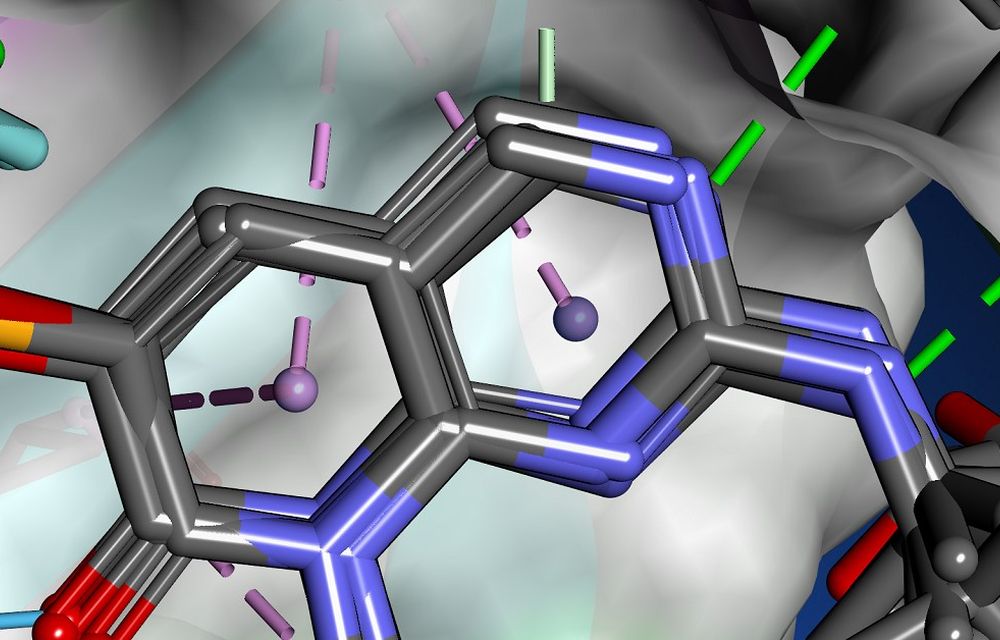
Fragment-Based Drug Design in Discovery Studio
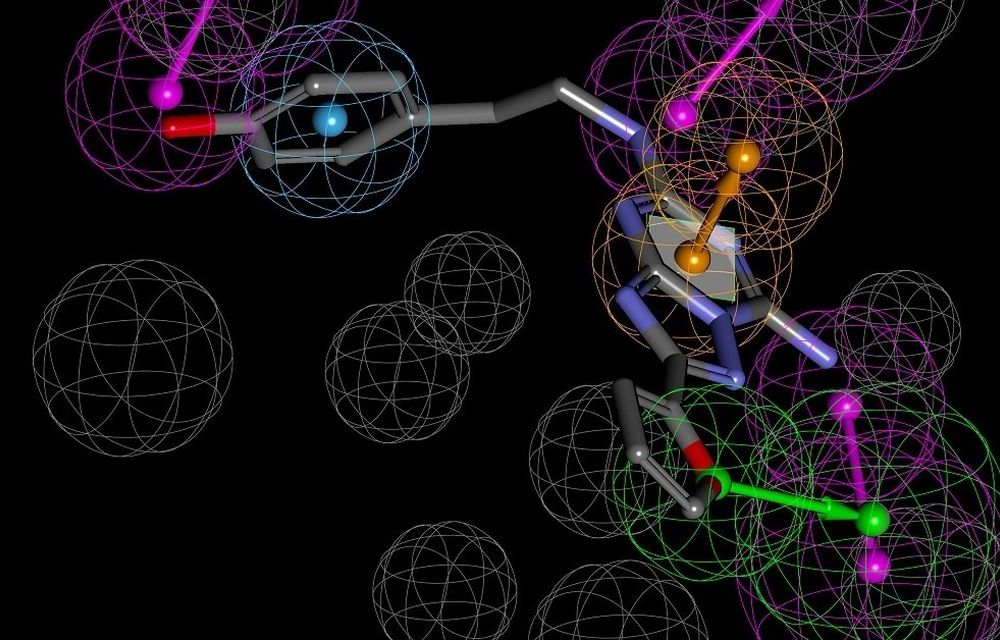
Pharmacophore Modeling in Discovery Studio
Discovery Studio Pipeline Pilot Integration
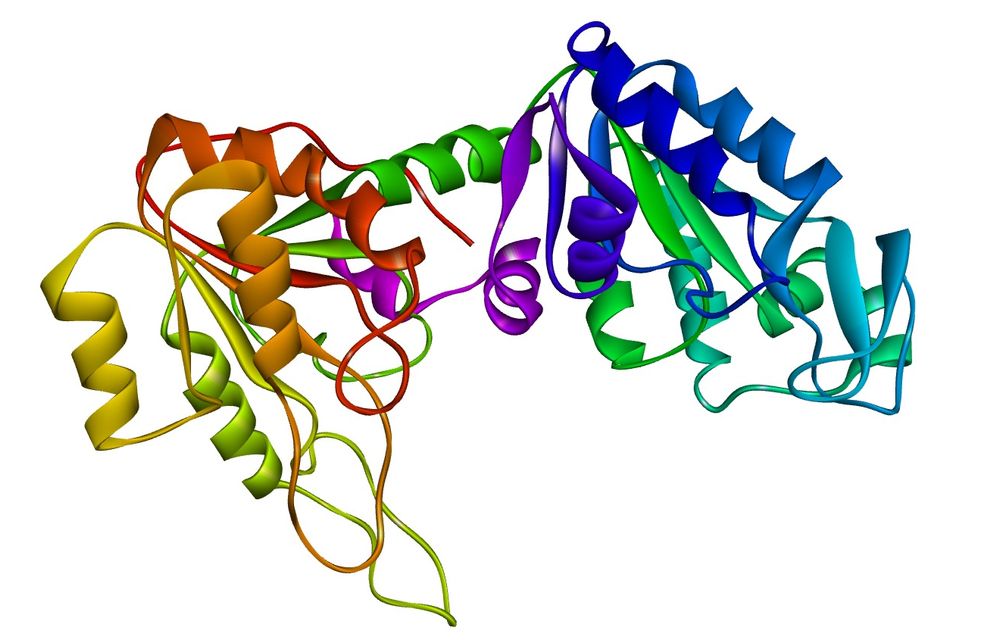
Protein Homology Modeling
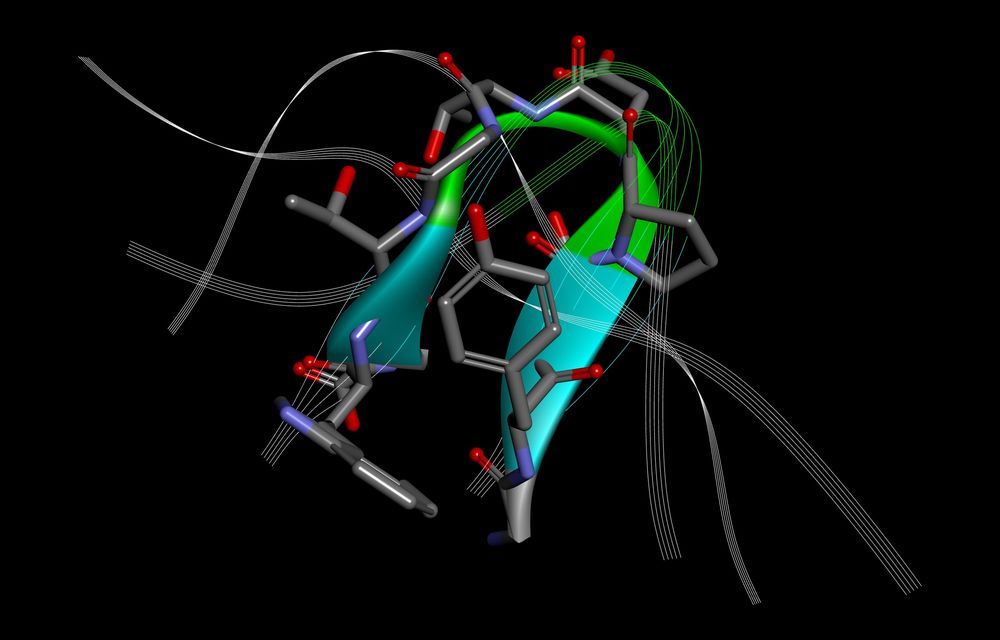
QM/MM
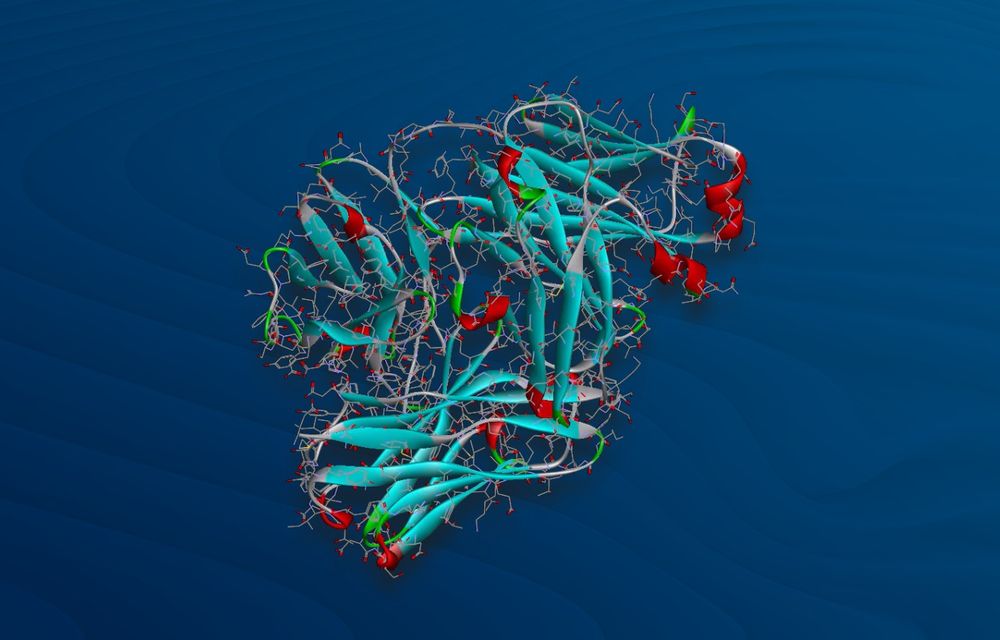
Scripting
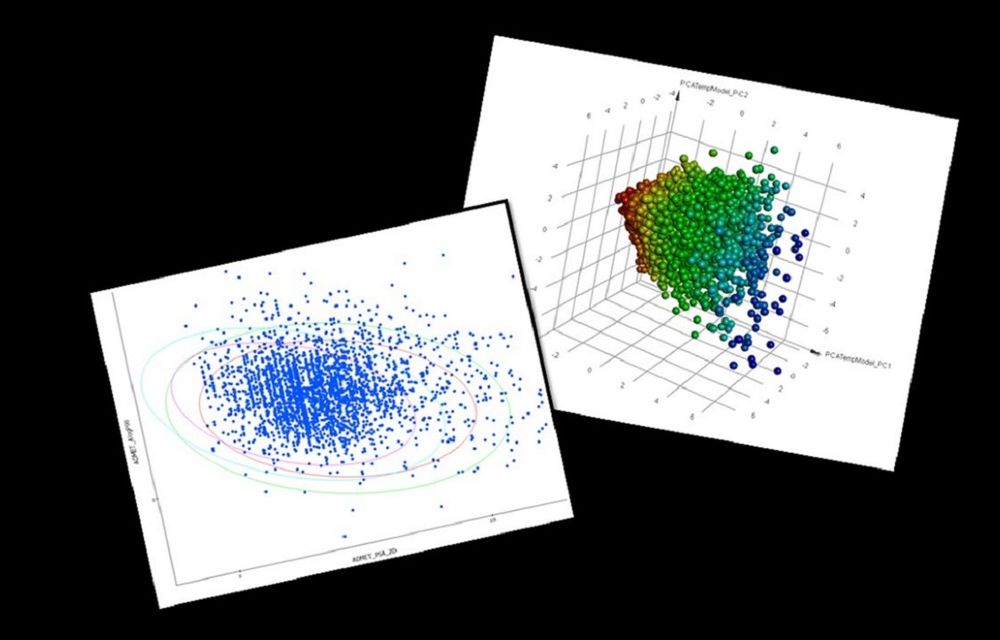
QSAR
3D QSAR Pharmacophore Generation
Ask about this course
Tell us how many people and when suits. A representative will come back with dates, a plan and a quotation within 1 business day.
Training question
Tell us what you are working on. A representative will come back to you within 1 business day.