
CATIA Composer
Add a New Dimension to your Product Communications
CATIA Composer Overview
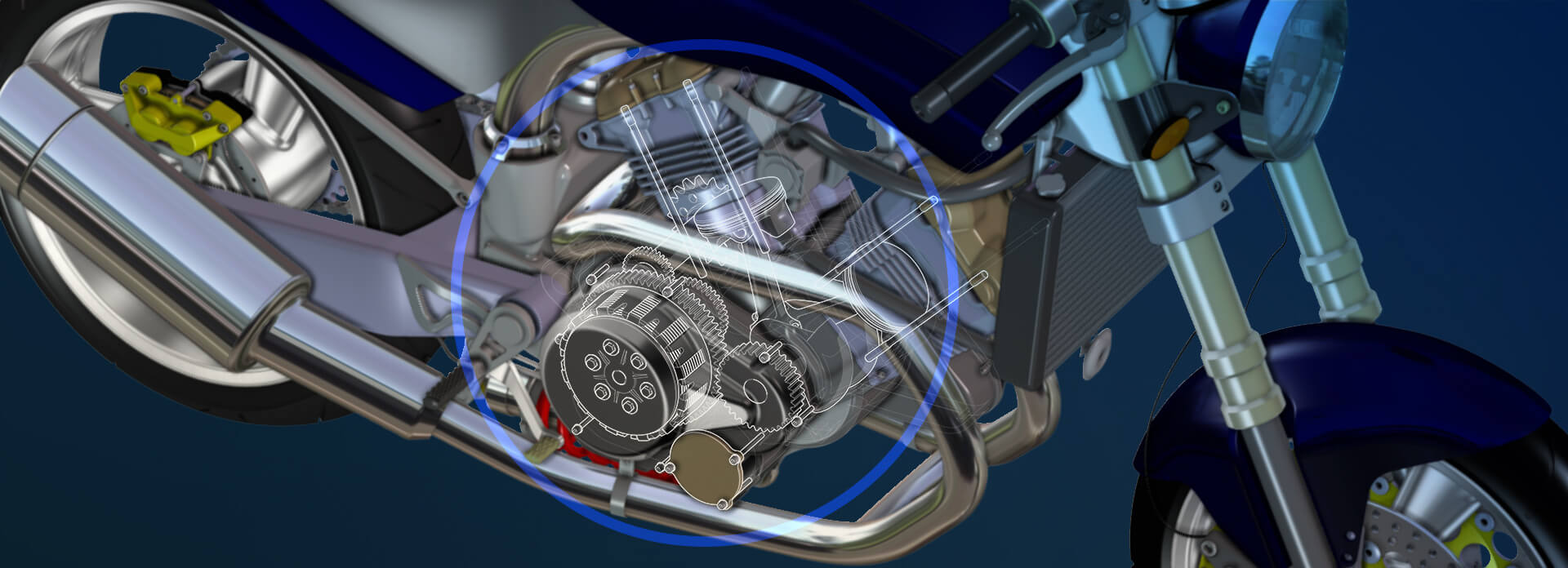
CATIA Composer (formerly 3DVIA Composer / SOLIDWORKS Composer) allows non-technical users to create associative 2D and 3D technical illustrations, product documentation, animated assembly instructions and interactive product experiences - directly from 3D digital product data. Built on a lightweight, open, XML-based architecture, Composer keeps every deliverable synchronised with the source CAD: any change in geometry, metadata or BOM flows through automatically, so documentation is always accurate and always current.
CATIA Composer Solutions
- Author 2D and 3D technical illustrations directly from CAD geometry, without altering the source model.
- Create exploded views, sectioning and step-by-step animated assembly and disassembly sequences.
- Build interactive 3D content for product documentation, service procedures, training and marketing.
- Generate Bill of Materials tables that stay linked to the model structure.
- High-quality raster and vector output for print, web and embedded experiences.
- Style libraries and templates for consistent, brand-compliant deliverables.
- Scripting and automation API for batch generation and pipeline integration.
Frequently Asked Questions
Which CAD formats does CATIA Composer support as input?
Native CATIA V5 and 3DEXPERIENCE® CATIA, SOLIDWORKS, plus standard interchange formats including STEP, IGES, JT, 3D PDF, Parasolid, ACIS / SAT, Pro/ENGINEER and Creo, NX, Inventor and STL. Imported BOM data and metadata are preserved and can be referenced in views and animations.
What output formats can Composer publish to?
Print-ready raster (PNG, JPG, TIFF, BMP) and vector (SVG, CGM) imagery; interactive 3D PDF; HTML / web packages with embedded 3D; SMG (lightweight Composer format) for the free Composer Player; and AVI, MP4 and GIF for animations.
How can I get a demo or trial of CATIA Composer?
Use the GET A DEMO action on this page or contact LaunchTech directly. We will arrange a scoped session against your real CAD data and a commercial proposal tailored to your team size, deployment model and required modules.
Does CATIA Composer integrate with PLM, ERP and existing tooling?
Yes. Enterprise Sync integrates Composer with PLM (e.g. 3DEXPERIENCE®, ENOVIA) and ERP systems so BOM, structure and metadata flow into Composer automatically. Custom integration is also supported through the published XML schema and Composer scripting / automation APIs.
Resources
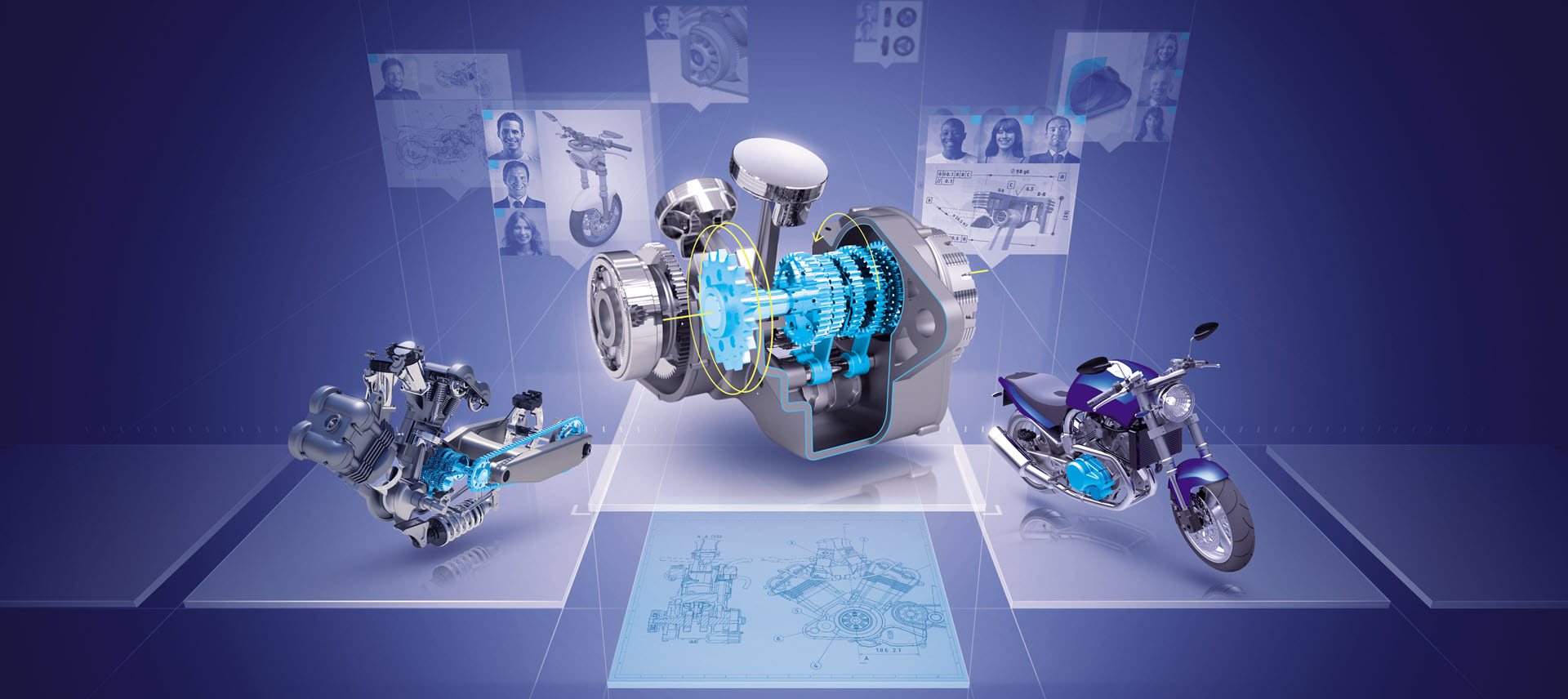
The CATIA Portfolio brochure
The CATIA design and engineering apps, grouped by the work each one supports.
Read more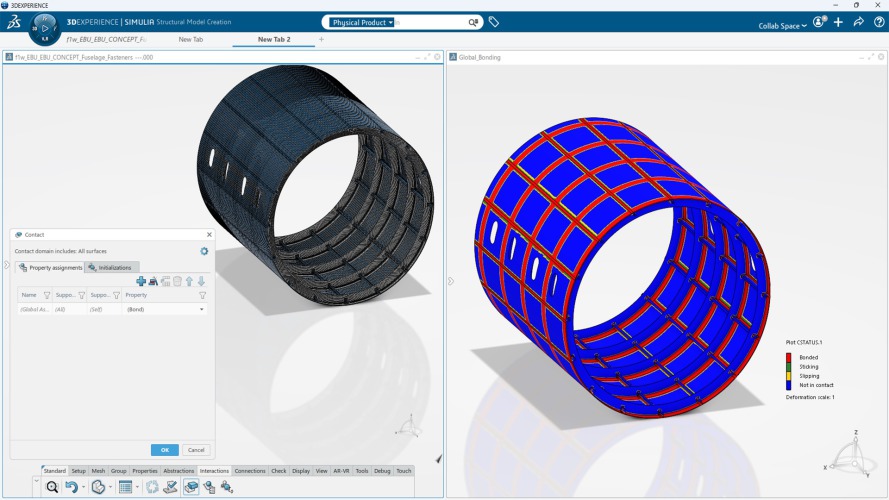
Composites Don't Fail at Random: Your Simulation Should Know Why
A practical look at how CATIA composite design and Abaqus structural simulation work as a unified system on the 3DEXPERIENCE platform
Read more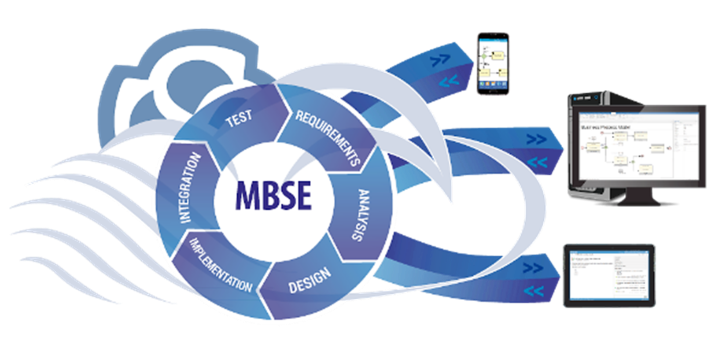
Unlock the Power of Model-Based Systems Engineering with CATIA Magic
How CATIA Magic applies model-based systems engineering to keep requirements, architecture and behavior consistent across a complex project.
Read more