
Using PowerFLOW on the 3DEXPERIENCE Platform
This course provides an introductory overview of 3DX Cloud, focusing on its key features, navigation, and essential functionalities. It is designed for users transitioning to 3DX Cloud and covers the basic structure of the platform, the use of dashboards, Swym Communities, and tabs, as well as key concepts for file organization and the launching and management of PowerFLOW interactive sessions within the 3DEXPERIENCE® environment. (PFWE)
- Level
- Fundamental
- Length
- 2 hours 40 mins
- Products
- PowerFLOW, 3DEXPERIENCE Platform
What you will learn
- Understand the differences between SIMULIA Cloud and 3DX Cloud
- Gain confidence in navigating the 3DEXPERIENCE® Platform and Cloud environment
- Utilize dashboards, Swym Communities, and tabs to manage their workspace
- Apply basic file organization techniques in 3DX Cloud
- Launch and manage interactive sessions within the 3DEXPERIENCE® environment
Topics covered
- Overview - Using PowerFLOW on the 3DEXPERIENCE® Platform10 min
- 1 - Introduction to 3DEXPERIENCE® CLOUD45 min
- 2 - Model-based Geometry Preparation with PowerDELTA30 min
- 3 - Model Based Simulation Setup with PowerCASE30 min
- 4 - PowerFLOW Simulation20 min
- 5 - Postprocessing PowerVIZ and PowerINSIGHT20 min
Prerequisites
The following courses are required prior to taking this one: None
Software: Simulation Results Analyst
Related courses
Connector for PowerFLOW: Connecting PowerDELTA and 3DEXPERIENCE®
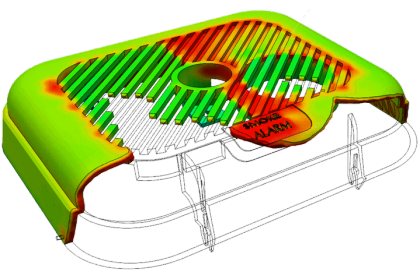
SIMULIA Plastic Part Filling Essentials
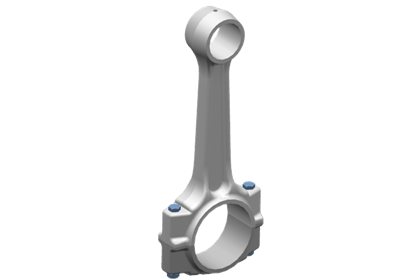
SIMULIA Simulation Model Design Essentials
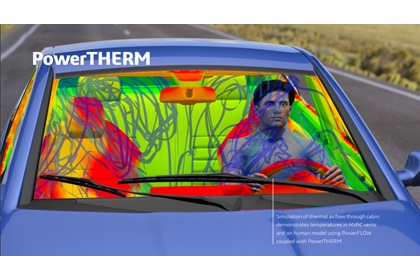
Introduction to PowerTHERM

SIMULIA Structural Model Creation : Geometry and Meshing

Complete Guide to PowerDELTA
Introduction to PowerFLOW
Introduction to PowerDELTA
Ask about this course
Tell us how many people and when suits. A representative will come back with dates, a plan and a quotation within 1 business day.
Training question
Tell us what you are working on. A representative will come back to you within 1 business day.