
SIMULIASimulation
Antenna Placement Essentials
This course is an introduction to the Antenna Placement app on the 3DEXPERIENCE® platform. It teaches you how to import antenna models from CST Studio Suite and then evaluate their installed performance at positions on a selected platform (for example, a vehicle, an aircraft, or an electronic device). Antenna placement studies help you find the best position for an antenna on the platform by providing you the results of the installed antenna's performance. The course covers the complete simulation workflow from model setup, to simulation execution and postprocessing.
- Level
- Fundamental
- Length
- 7 hours
- Product
- 3DEXPERIENCE Platform
- Delivery
- Instructor-led or eLearning
What you will learn
- Perform simulation of installed antenna(s) using the 3DEXPERIENCE® platform
- Import and setup of 3DXML file, simulation execution in CST, and analyzing results using widgets on the platform.
- Understand the Hybrid task solver and other solvers suitable for Antenna Placement applications.
- Simulate a workshop model to understand the setup and simulation of the model on 3DEXPERIENCE® platform.
Topics covered
- Overview - Antenna Placement Essentials10 mins
- 1 - 3DEXPERIENCE® Antenna Placement Overview45 mins
- 2 - Hybrid Solver Simulation45 mins
- 3 - 3DEXPERIENCE® Antenna Placement Interface1 hours
- 4 - Coverage Analysis
- 5 - Interference Analysis
Prerequisites
None, but a basic knowledge of electromagnetics and antenna applications would be beneficial.
Related courses

SIMULIA3DEXPERIENCE PlatformFundamental
Fluid Simulation Essentials
12 hours 5 minutesView course
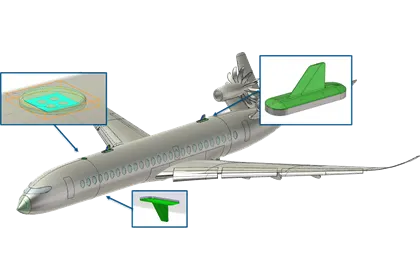
SIMULIA3DEXPERIENCE PlatformFundamental
Perform as an Antenna Placement Electromagnetics Engineer
7 hoursView course
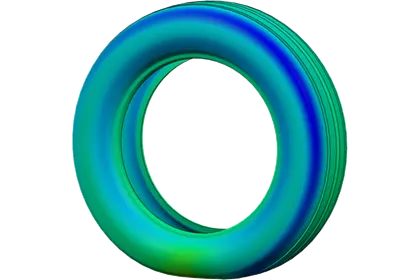
SIMULIA3DEXPERIENCE PlatformAdvanced
Structural Simulation: Tire Analysis
3 hours 15 minutesView course
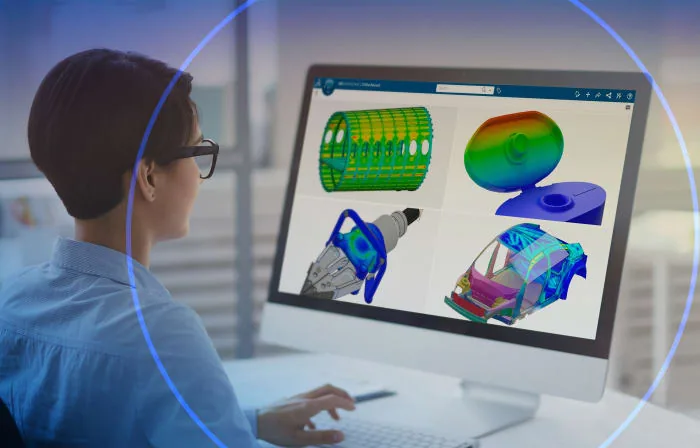
SIMULIA3DEXPERIENCE PlatformFundamental
Perform as a SOLIDWORKS Simulation Engineer
19 hoursView course
SIMULIA3DEXPERIENCE PlatformFundamental
Physics Simulation Review Essentials
2 hours 35 minutesView course
SIMULIA3DEXPERIENCE PlatformFundamental
Durability Simulation Essentials
6 hours 55 minutesView course
SIMULIA3DEXPERIENCE PlatformFundamental
Perform as a Structural Performance Engineer
20 hoursView course
SIMULIA3DEXPERIENCE PlatformFundamental
Simulation Companion Essentials
3 hours 25 minutesView course