
DELMIA Manufacturing Context Builder 연습
In this module, you will learn to explore the PPR context. You will also learn to manage the documents in the spreadsheet view. You will learn to use the Compare command to compare structures of different versions of a PPR object like products, manufactured items, resources, systems or operations.
- Level
- Fundamental
- Length
- 5 hours 48 minutes
- Product
- 3DEXPERIENCE Platform
- Delivery
- Instructor-led or eLearning
What you will learn
- Explore the PPR context
- Manage the documents in the spreadsheet view
- Manage the PPR Smart Completion
- Navigate Relations on a Product
- Compare structures of different versions of a PPR object
Topics covered
- Creating a PPR Context3 hour 40 min
- Managing PPR Structures2 hour 10 min
Who it is for
Process Planners
Prerequisites
Knowledge: Students attending this module should have completed the Explore the Business Innovator module. Additionally, they should be familiar with the fundamentals of Process Planning. 3DEXPERIENCE® Roles: Collaborative Business Innovator, Collaborative Industry Innovator and Process Engineer.
Related courses
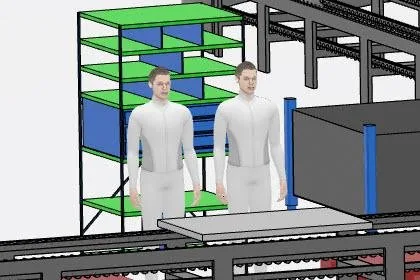
Practice DELMIA Planning Structure
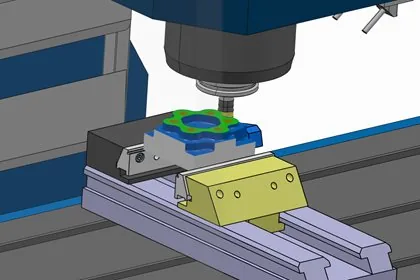
Practice DELMIA Prismatic Machining
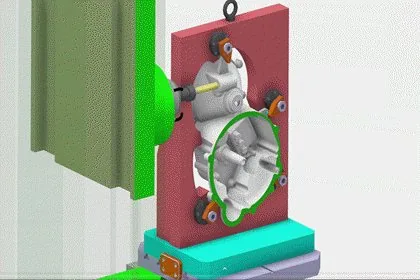
DELMIA V5 to 3DEXPERIENCE® Machining Transition

Explore the Manufacturing Engineer Role
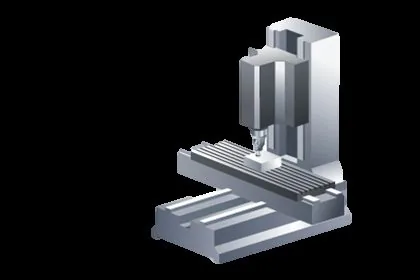
Practice DELMIA Machining Validation
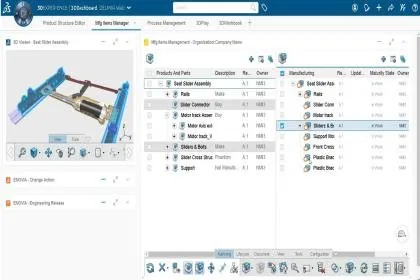
Explore the Manufacturing Items Engineer Role
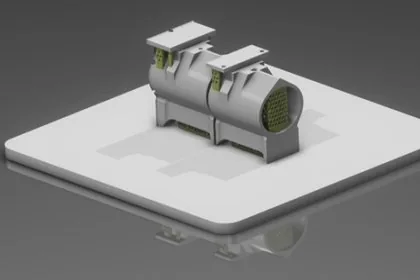
Explore the Powder Bed Machine Programmer Role
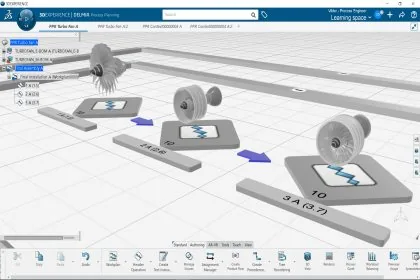
Explore the Process Engineer Role for Complex Assembly
Ask about this course
Tell us how many people and when suits. A representative will come back with dates, a plan and a quotation within 1 business day.
Training question
Tell us what you are working on. A representative will come back to you within 1 business day.