
CATIADesign and Engineering
Practice Scripting for CATIA Dymola
In this module, you will learn to create scripts and functions in CATIA Dymola.
- Level
- Fundamental
- Length
- 1 hours 10 minutes
- Product
- CATIA Dymola
- Delivery
- Instructor-led or eLearning
What you will learn
- Explore Modelica functions and Add commands
- Create script and simulate Modelica model
- Attach script and function to Command
Topics covered
- Overview of Scripting for CATIA Dymola10 mins
- Create Modelica Model and Add Post-Processing Commands30 mins
- Create Script30 mins
Prerequisites
Learners attending this module should have completed the Introduction to CATIA Dymola for Systems Modeling module.
Related courses
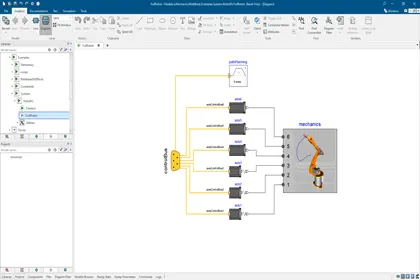
CATIACATIA DymolaFundamental
Introduction to CATIA Dymola for Systems Modeling
2 hoursView course
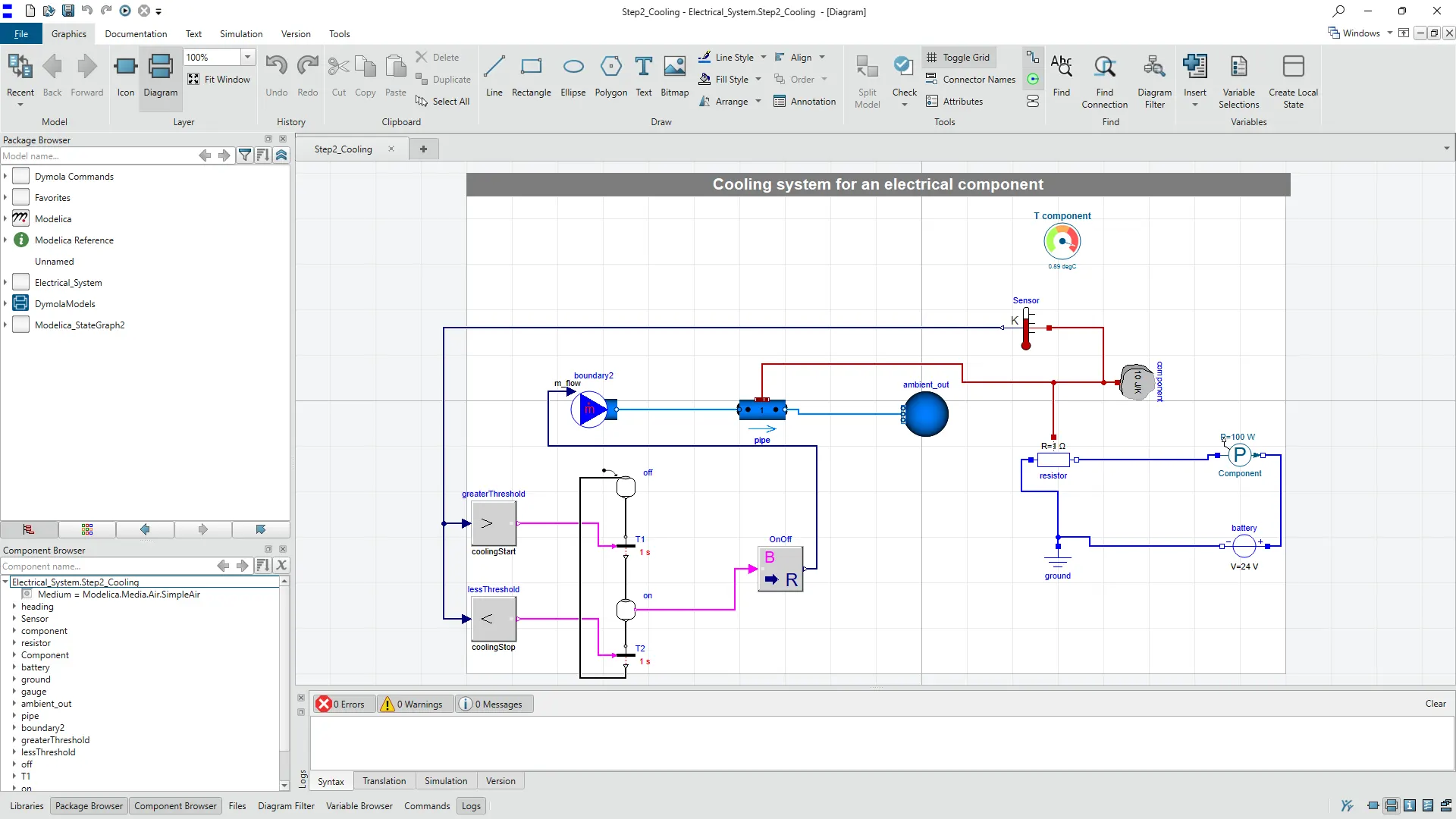
CATIACATIA DymolaFundamental
Perform as a Systems Simulation Engineer with Dymola - Beginner
6 hours 50 minutesView course
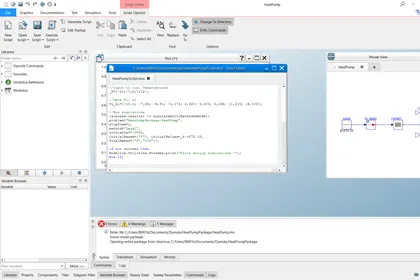
CATIACATIA DymolaAdvanced
Perform as a Systems Simulation Engineer with Dymola - Intermediate
4 hours 10 minutesView course
CATIACATIA DymolaFundamental
Introduction to Modelica Language and Modelica Libraries
4 hours 20 minutesView course
CATIA3DEXPERIENCE PlatformCATIA DymolaFundamental
Perform as a Systems Simulation Engineer with Dymola Behavior Modeling - Beginner
4 hoursView course
CATIACATIA DymolaAdvanced
Practice Standards for Co-Simulation Using Dymola
3 hoursView course
CATIA3DEXPERIENCE PlatformCATIA DymolaAdvanced
Perform as a Systems Simulation Engineer with Dymola Behavior Modeling - Intermediate
13 hoursView course
CATIACATIA V5Fundamental
CATIA V5 Analysis
12 hoursView course