
Practice CATIA Imagine and Shape
In this module, you will become familiar with the subdivision surfaces and learn how to use the CATIA Imagine & Shape app to create, modify and improve product shapes and styles.
- Level
- Fundamental
- Length
- 4 hours
- Product
- 3DEXPERIENCE Platform
- Delivery
- Instructor-led or eLearning
What you will learn
- Create subdivision surfaces using tools specific to the Imagine and Shape app
- Modify the style surfaces using Generative Shape Design tools
- Create the required environment around a model
- Apply materials to the created models
Topics covered
- Module Overview: Practice CATIA Imagine and Shape5 min
- Introduction to the Imagine and Shape app30 min
- Create Curves and Surfaces45 min
- Manipulate Surfaces and Perform Operations1 hour 10 min
- Master Project: Design a Car Seat1 hour 30 min
Who it is for
Shape Designers, Product Stylists and Industrial Designers
Prerequisites
Students attending this learning module should have completed the Explore the 3DSwymer Role module. Additionally, they should be familiar with the fundamentals of CATIA Mechanical and Shape Design.
Software: 3DSwymer (IFW-OC), Collaborative Industry Innovator (CSV-OC) and Creative Designer (CCS-OC).
Related courses

Explore the 3DSwymer Role

Practice CATIA Shape Healing

Practice CATIA Generative Shape Design Essentials

CATIA Imagine and Shape
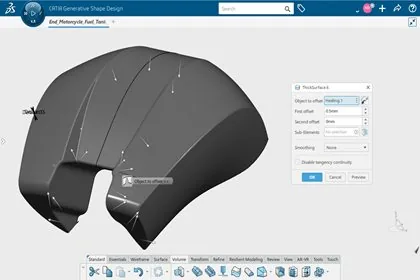
Practice CATIA Generative Shape Design
Practice CATIA FreeStyle Shape Design

Practice CATIA Generative Shape Develop
Practice CATIA Virtual to Real Shape Morphing
Ask about this course
Tell us how many people and when suits. A representative will come back with dates, a plan and a quotation within 1 business day.
Training question
Tell us what you are working on. A representative will come back to you within 1 business day.