
CATIADesign and Engineering
CATIA Composer Essentials
This module will teach you how to work with a 3D model using CATIA Composer to capture its views, add annotations and change its rendering style. You will learn how to create technical illustrations, high resolution images and animations. You will also learn how to publish and share the content.
- Level
- Fundamental
- Length
- 20 hours
- Product
- CATIA Composer
- Delivery
- Instructor-led or eLearning
What you will learn
- Open and navigate a model using CATIA Composer
- Capture views of the model
- Enhance the model by adding annotations and changing its rendering
- Create technical illustrations
- Create high resolution images
- Create animations
- Publish and share the CATIA Composer content
Topics covered
- Module Introduction: CATIA Composer Essentials0 mins
- Getting Started with CATIA Composer1 hours 15 mins
- Navigating the 3D Data1 hours 15 mins
- Managing the Scene's Appearance2 hours 30 mins
- Creating and Managing Technical Illustrations3 hours 30 mins
- Managing High Resolution Images1 hours 30 mins
- Creating Animations of a Model4 hours
- Creating and Managing Animations of an Assembly2 hours
- Managing and Updating the CAD Data2 hours 30 mins
- Publishing and Sharing the Content1 hours 30 mins
- Assessment: CATIA Composer Essentials0 mins
Prerequisites
Learners attending this module should be familiar with the Windows Operating System.
Related courses
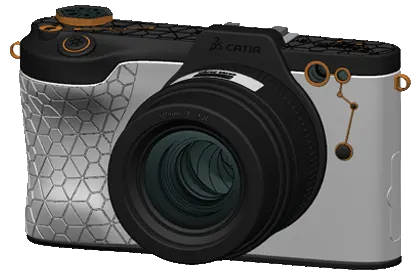
CATIA3DEXPERIENCE PlatformFundamental
Practice CATIA Mechanical Surface Refinement
3 hours 45 minutesView course
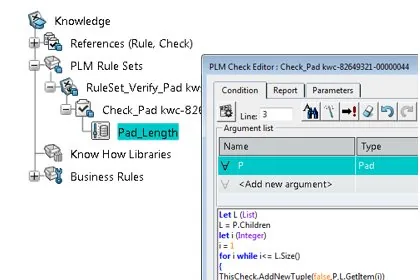
CATIA3DEXPERIENCE PlatformFundamental
Practice CATIA Quality Rules Capture
4 hoursView course
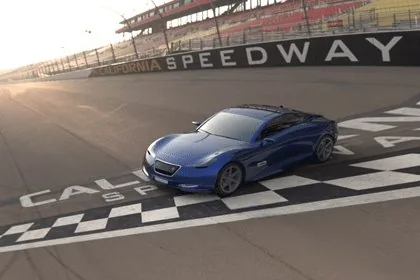
CATIA3DEXPERIENCE PlatformFundamental
Practice CATIA Live Rendering
8 hoursView course
CATIACATIA V5Fundamental
Advanced Part Machining
12 hoursView course
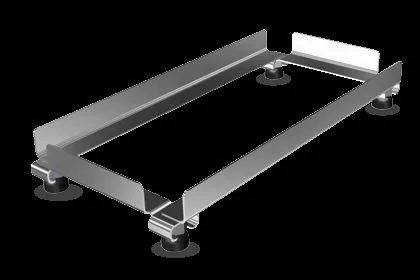
CATIA3DEXPERIENCE PlatformFundamental
Practice CATIA Weld Design
3 hours 45 minutesView course
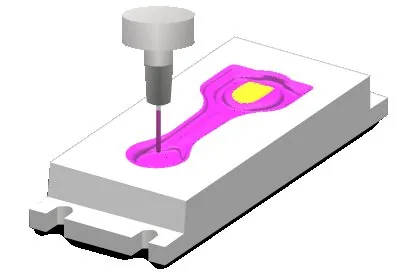
CATIACATIA V5Fundamental
Surface Machining
16 hoursView course
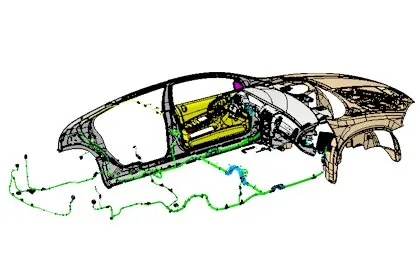
CATIACATIA V5Fundamental
Electrical Librarian and Harness Installation
16 hoursView course
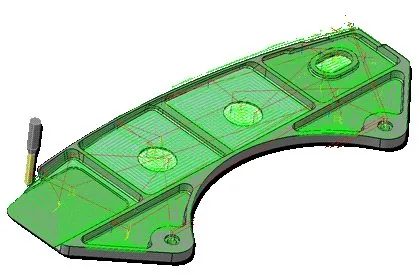
CATIACATIA V5Fundamental
Numerical Control Infrastructure
16 hoursView course