

What is the 3DSupport App?

The 3DSupport app is a dedicated to Dassault Systèmes Customers app. It allows them to submit, consult, or modify a question or an issue detected on Dassault Systèmes products or apps, by submitting a ticket.
How to submit a ticket in the 3DSupport App?
Log on to 3DS Support
Login using your 3DEXPERIENCE® credentials if required.
If you do not have access yet, please email us the list of names, emails, and positions of the key contacts at your site to be granted access to support services, and we will activate their access.
The user will be redirected to the page shown below
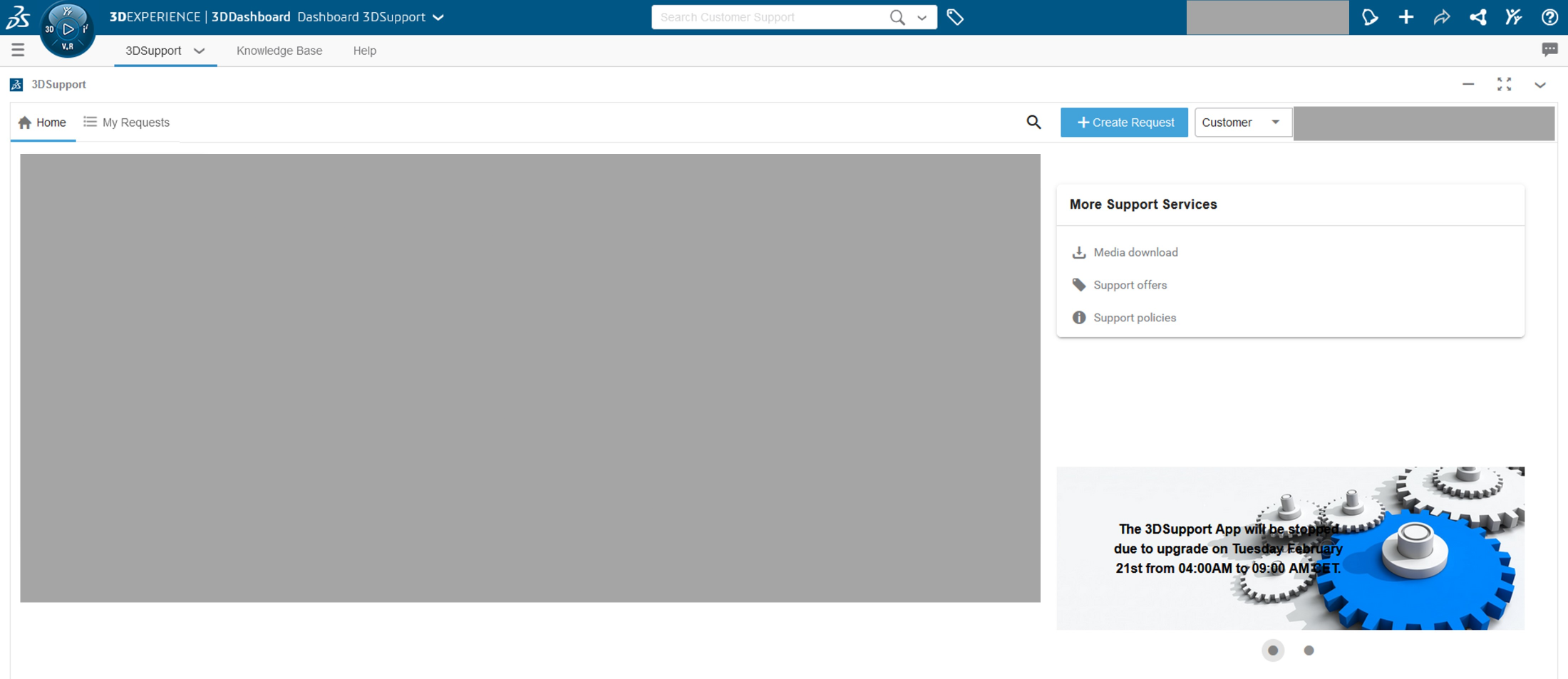
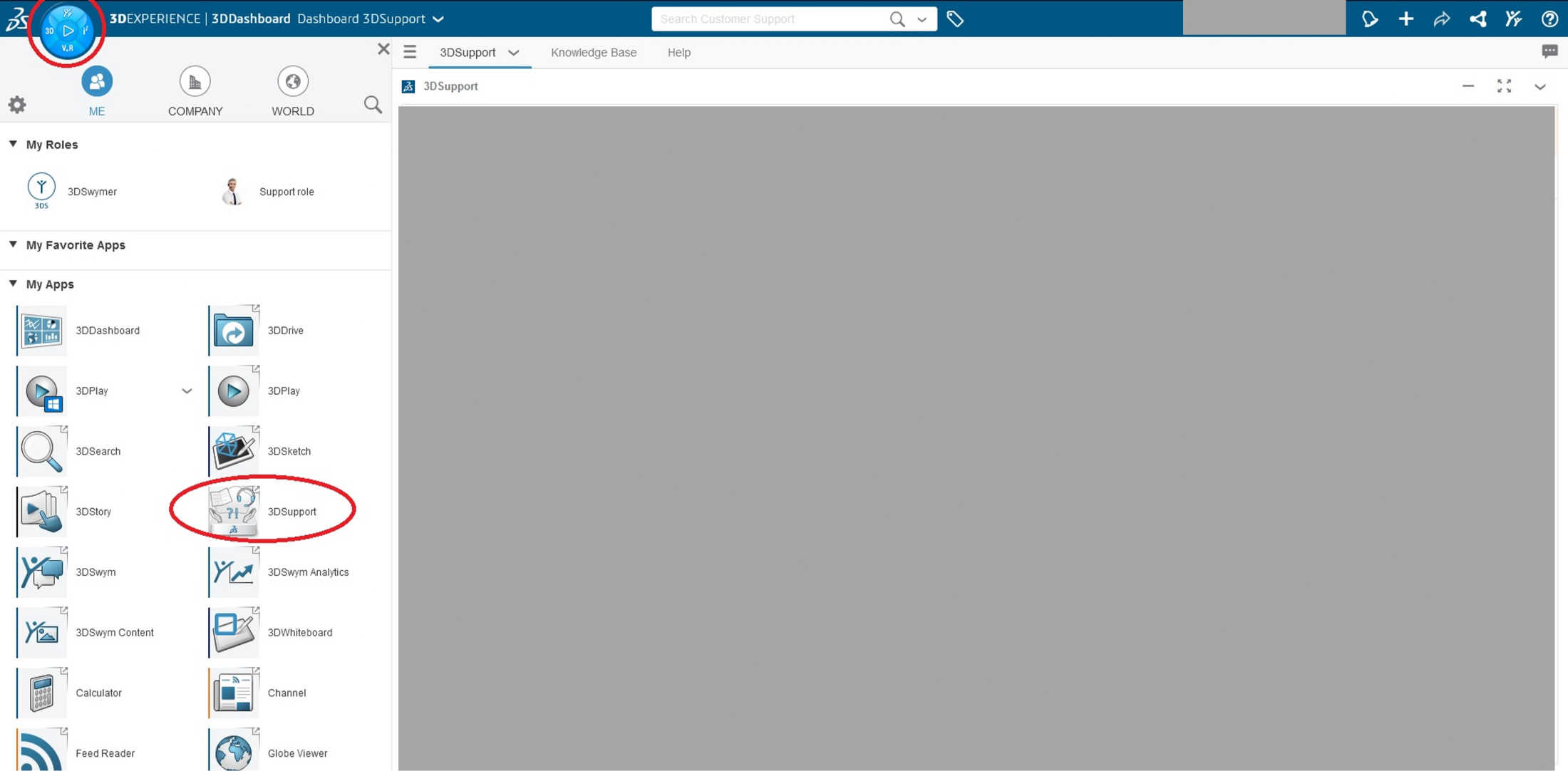
> Note: If the Support App fails to launch, you will be directed to the homepage. Click the quadrant, and click the 3DSupport app.
- Click ‘Create Request’
- Fill all necessary details including the correct Environment, problem description so the issue can be reproduced and the correct urgency level (refer to the table below). Attach screenshots or relevant files if needed

- Submit the ticket. LaunchTech will be notified and will address your ticket at the earliest.