

Overview
The 2026 release of CST Studio Suite® is now available, and it includes updates that helps in improving simulation accuracy, performance, and user productivity across a wide range of electromagnetic (EM) and Multiphysics applications.
Here are the major 2026 updates that you need to know about:
Solver Performance and ADAS Enhancements
The solvers, the heart of CST Studio Suite, have received major performance boosts.
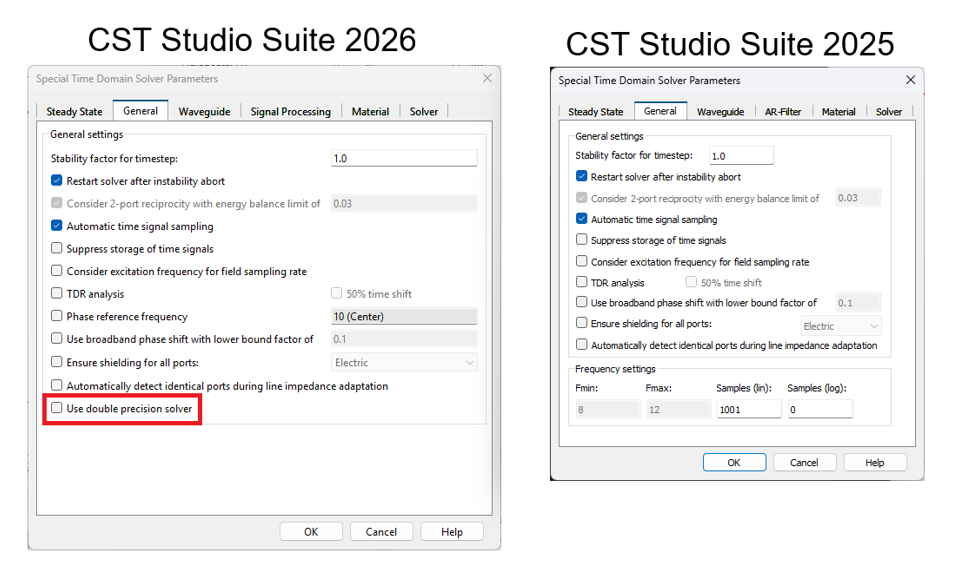
Time Domain Solver
Now introduces double precision support and improved performance for multi-GPU simulations.
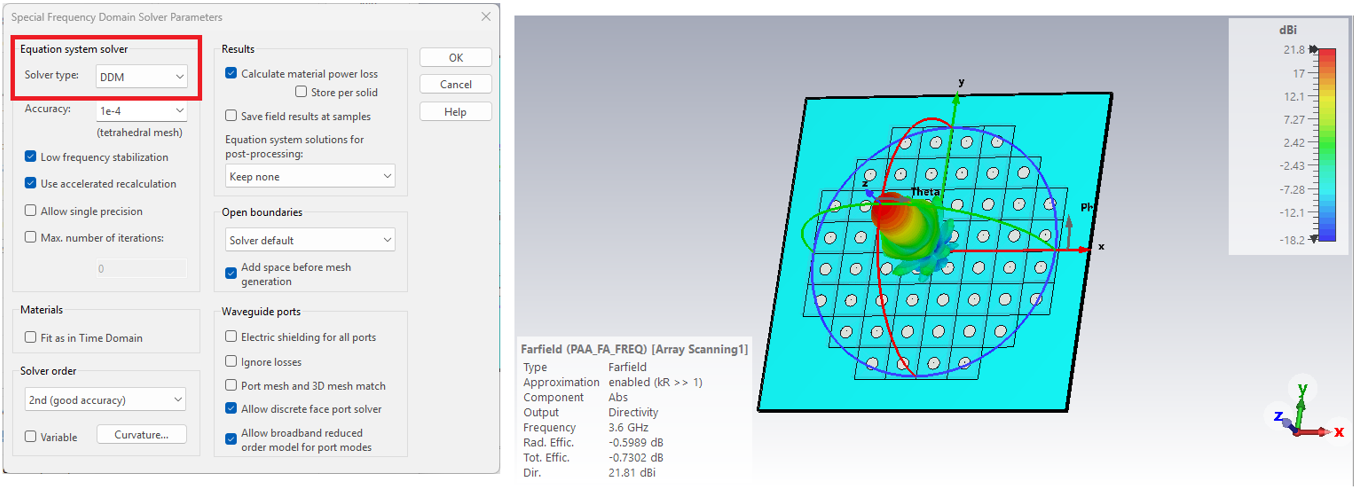
Frequency Domain Solver
Features enhanced domain decomposition performance, particularly during frequency sweeps.
ADAS & Radar
For those in the automotive sector, the Asymptotic Solver now supports diffuse scattering from rough surfaces and offers an improved workflow for RADAR setup, including new Range-Angle-Velocity tensors.
Advanced Design Tools: Antenna Magus & Filter Designer
Designing from scratch is easier than ever with updated specialized tools:
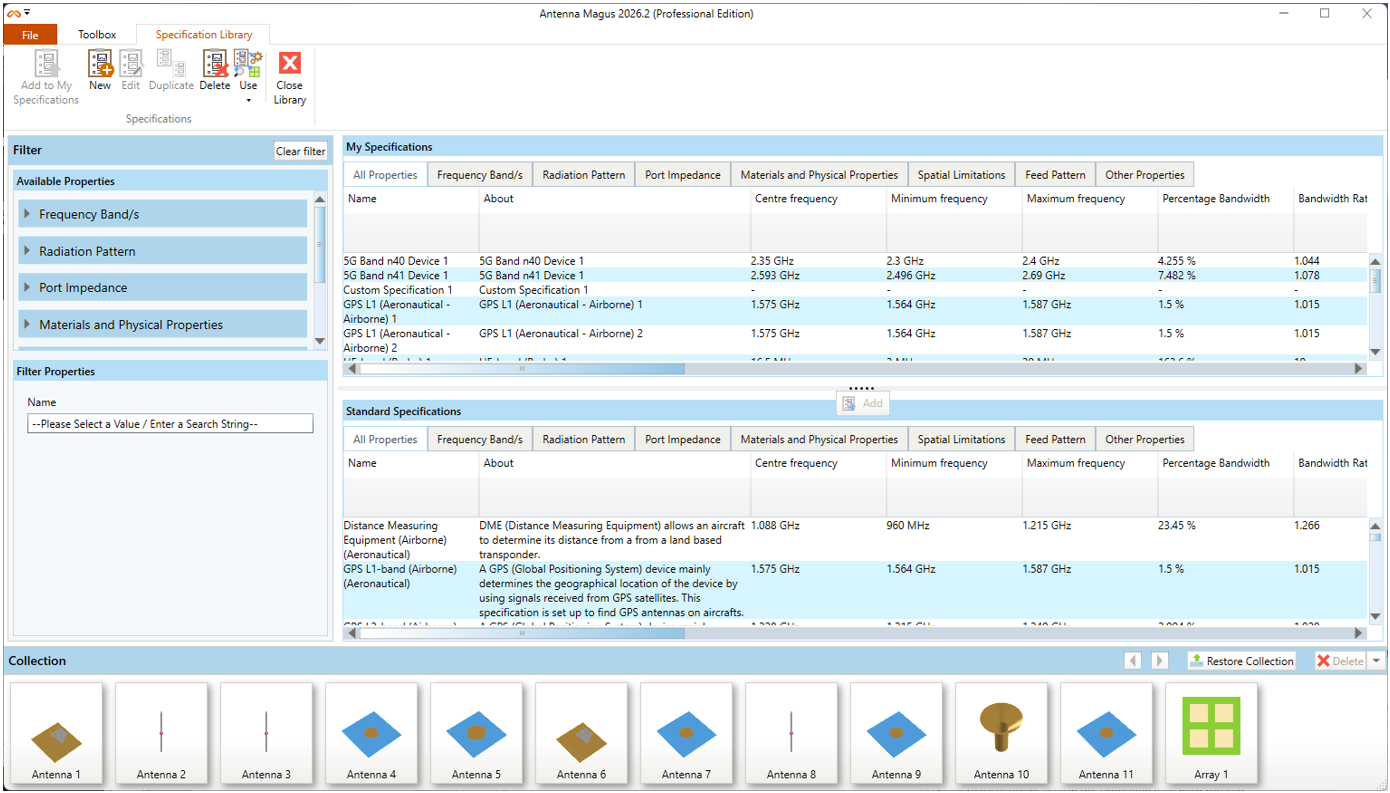
Antenna Magus
A new Specification-based Designs (SBDs) library has been introduced. These designs are optimized for industry-standard substrates and connectors, making them more practical for immediate use than standard designs.
Filter Designer 3D
A new guided workflow wizard has been added to simplify the filter design process.
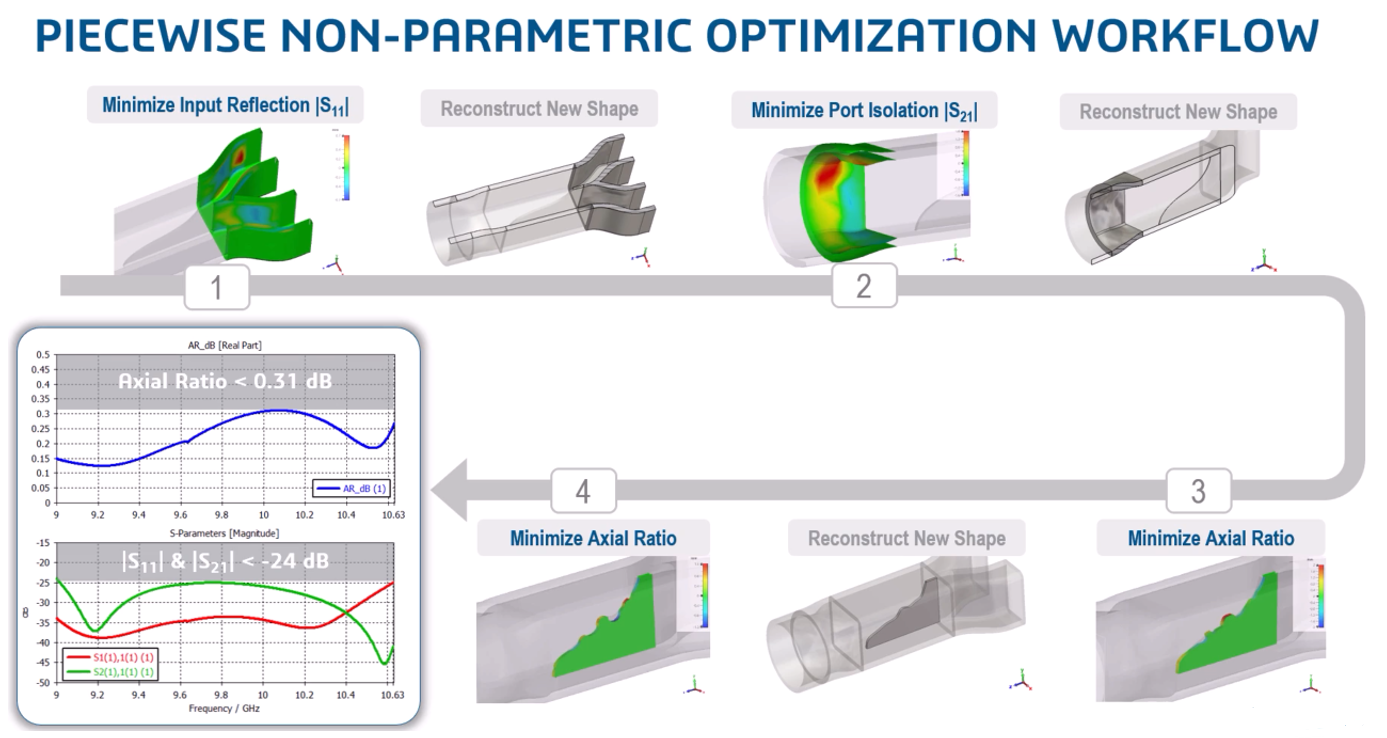
Non-parametric Optimization
- Tosca part of CST Studio Suite installation
- Piecewise Non-Parametric Optimization Workflow
A Modernized User Experience
One of the most immediate changes is the long-awaited support for a dark color scheme based on your system settings. This, paired with improved support for high DPI displays, makes for a much more comfortable environment for long design sessions.
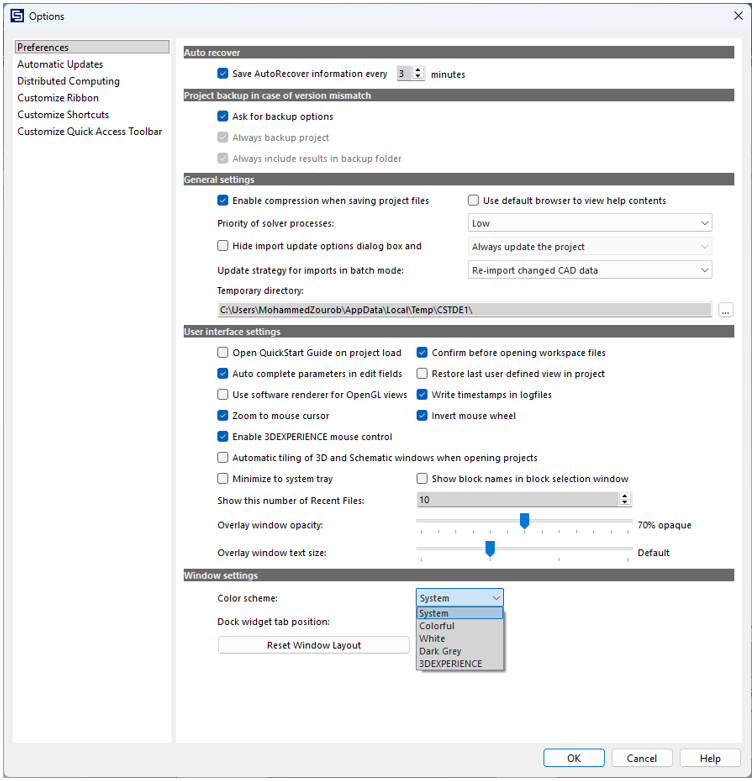
On the modeling side, several "quality of life" features have been added:
Copy and Paste for Ports
You can now copy and paste ports and lumped elements, a small change that saves massive amounts of time in complex layouts.
Hierarchical CAD Names
When importing from major CAD tools like SOLIDWORKS, CATIA, or Siemens NX, the software now preserves hierarchical names for shapes and curves, making it much easier to stay organized.
Folders for Curves
You can now organize your curves into folders, keeping the navigation tree clean.
Automation and HPC
For power users, the upgrade to Python 3.12 ensures you are working with the latest automation capabilities. Additionally, a new job submission front end simplifies the process of moving simulations from local Windows/Linux machines to high-performance Linux clusters.
Important Licensing Note
It is important to note that USB dongles for Flexnet licensing are no longer supported in this release. If your organization still uses physical dongles, you will need to contact your SIMULIA representative to move to an alternative licensing mechanism.
Try CST Studio Suite 2026
To explore how these new capabilities can be applied to your specific electromagnetics design challenges, Contact Us to try CST Studio Suite 2026. More updates are coming months so follow us and stay tuned!
Author

Mohammed Zourob
Solutions Consultant - EMAG
Mohammed holds a Bachelor's in Electrical Engineering and an MBA. His expertise lies in power and renewable energy, electromagnetic simulations, and product life cycle management.